

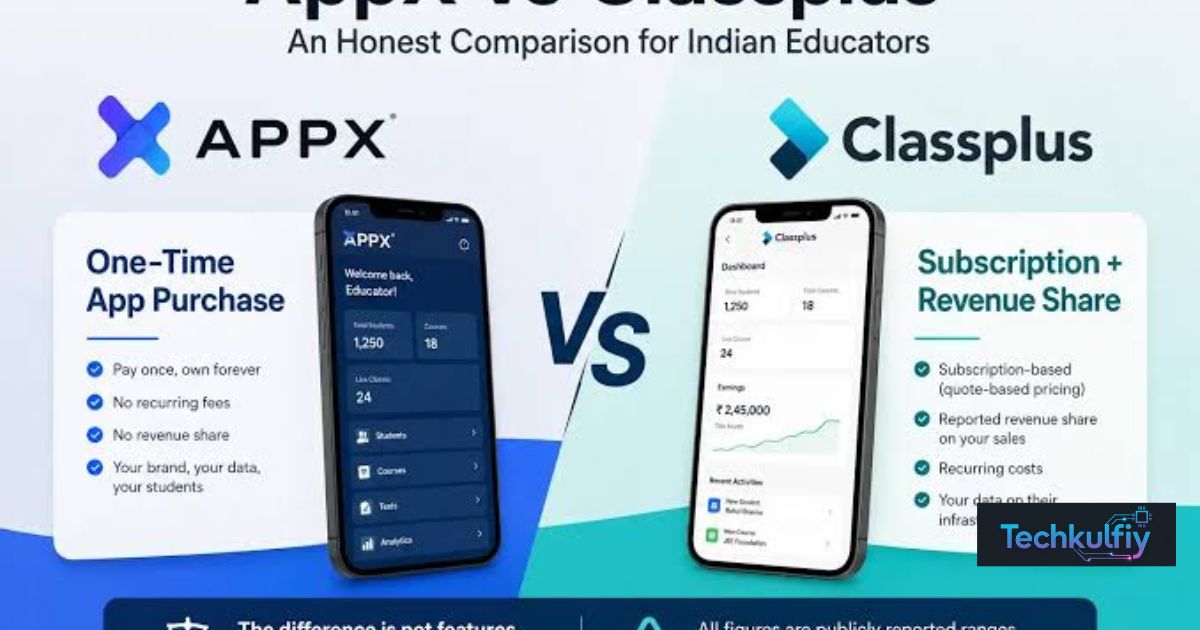
Choosing the right platform for online learning can make a difference in how comfortably you access educational resources, attend classes, and manage your study routine. When comparing Classplus Web vs App, students often want to know which option is easier to use, which device provides a better learning experience, and whether the web version offers the same features as the mobile application. The answer depends on your preferred device, learning habits, and the services available through your educational institute.
Classplus Web may be suitable for students who prefer using a laptop or computer, while the Classplus mobile app can be convenient for learners who want to access supported educational resources on their smartphones. However, the availability of particular features may vary depending on the account, institute, and platform.
In this guide, we will explore Classplus Web vs App in detail, compare their usability, accessibility, device compatibility, and learning experience, and help you understand which option may work better for your needs.
What Is Classplus Web?
Classplus Web refers to accessing supported Classplus educational services through a compatible web browser. Depending on the service and account configuration, students may be able to sign in and access available learning resources without installing a separate desktop application.
For students who spend considerable time studying on a laptop or desktop computer, browser-based access can provide a convenient learning environment. A larger screen may make reading educational material more comfortable, while the computer’s multitasking capabilities can help students switch between notes, assignments, and other study resources.
The exact experience depends on the web service provided by Classplus and the access arrangements established by your institute. Not every account necessarily has the same options, and some features may be available only through particular supported interfaces.
When evaluating Classplus Web vs App, it is important to distinguish between the general benefits of browser access and the specific features that Classplus currently supports.
What Is the Classplus Mobile App?
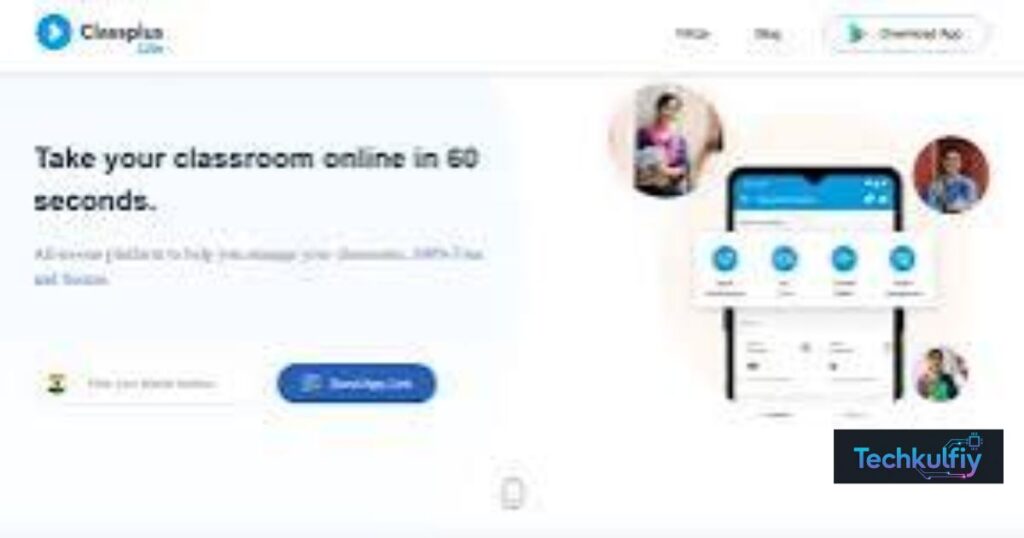
The Classplus mobile app is designed to provide access to supported educational services through compatible smartphones and other supported mobile devices. It can be a practical choice for students who prefer studying on their phones or want a portable way to access their learning resources.
Mobile applications generally provide an interface designed for smaller screens and touch-based navigation. Students who regularly use their phones may find this style of interaction familiar and convenient.
Depending on the services enabled for their account, students may be able to access relevant educational resources through the application. However, the precise features available can depend on the app version, institute configuration, and account permissions.
The Classplus app should not automatically be assumed to offer exactly the same features as Classplus Web. Students should verify the availability of any specific feature they need before deciding which platform to use.
Classplus Web vs App: Understanding the Main Differences
The primary difference between Classplus Web and the mobile app (Classplus Web vs App)is the way users access the service and the devices they prefer to use. Browser access is generally associated with computers and compatible browsers, whereas a mobile application is installed on a supported device.
The following comparison explains the general differences between these access methods.
| Feature | Classplus Web | Classplus App |
|---|---|---|
| Access method | Compatible web browser, where supported | Installed mobile application |
| Main device | Laptop or desktop computer | Smartphone or supported mobile device |
| Screen experience | Larger display on a computer | Smaller, portable display |
| Installation | Separate desktop installation may not be necessary | Mobile app installation is required |
| Navigation | Browser-based controls and interface | Touch-based application interface |
| Multitasking | Convenient switching between browser tabs and computer applications | Depends on the device and operating system |
| Portability | Depends on access to a compatible device | Convenient for use on the go |
| Available features | Depend on the supported web service and account | Depend on the app version and account |
| Internet access | Depends on the service and content being used | Depends on the service and content being used |
This table describes Classplus Web vs App general differences between browser-based services and mobile applications. It should not be interpreted as confirmation that every Classplus account supports every feature listed.
Advantages of Classplus Web for Students
A Larger Screen for Learning
One of the main reasons students may prefer Classplus Web for PC is the larger display available on a laptop or desktop computer. Reading text, reviewing educational material, and navigating a webpage may feel more comfortable on a larger screen.
Students who already use computers for assignments or revision may appreciate having supported learning resources available in the same environment.
However, a larger screen does not necessarily mean that the web version provides more educational features. The available functionality still depends on the service and account.
Convenient Multitasking
A computer can make it easier to switch between different applications while studying. For example, a student may want to review available course material, take notes in a document, and consult another reference in a separate browser tab.
This flexibility can support an organised study routine, particularly for students who prefer working at a desk.
When comparing Classplus Web vs App, consider how often you need to use several study tools at the same time. If multitasking is an important part of your routine, a computer may be more convenient.
No Separate Desktop Installation in Supported Cases
If the relevant Classplus service supports browser-based access, you may be able to use it directly through a compatible browser without installing a dedicated desktop application.
This can be useful for students who do not want to install additional software on their computers.
Nevertheless, browser access should be confirmed through the official Classplus website or the instructions provided by your institute. Do not assume that all services, courses, or features are accessible through a browser.
A Comfortable Environment for Longer Study Sessions
Some students prefer sitting at a desk when completing longer study sessions. A computer can provide a familiar setup with a larger display, a physical keyboard, and space for other study materials.
This environment may be particularly helpful when students need to review written material or organise their notes alongside available learning resources.
The best setup ultimately depends on individual preferences. Students who feel comfortable using a smartphone for extended periods may not experience the same benefits from switching to a computer.
Easier Use of Other Study Tools
Students frequently use digital notes, document editors, calendars, and other educational resources alongside their online learning platforms.
A computer can make it convenient to keep these tools available in separate windows or browser tabs. This may help students organise their work without repeatedly switching between different mobile applications.
However, these benefits relate primarily to using a computer as a study device. They should not be confused with exclusive Classplus Web features.
Advantages of the Classplus Mobile App
Learning on the Go
Portability is one of the most obvious advantages of a mobile application. Students who prefer using their smartphones can access supported learning services without needing to sit at a computer.
This may be convenient when travelling, studying away from home, or reviewing educational resources during a break.
The actual availability of learning materials depends on the account and service being used. Students should not assume that every course or feature will be available in every situation.
A Familiar Touch-Based Interface
Many students are comfortable navigating mobile applications. Touch-based controls can make it straightforward to move between supported app screens, particularly for users who already use their phones for everyday tasks.
For students who rarely use a laptop, a mobile app may feel more familiar than a browser-based interface.
The overall experience still depends on the app design, device performance, and the educational services available to the user.
Convenient Everyday Access
Keeping a supported educational app on a personal smartphone can make it convenient to return to learning resources throughout the day.
Students may prefer this arrangement when they want their educational activities available on the same device they use for other everyday tasks.
However, convenience should be balanced with good study habits. Notifications and other mobile distractions can interrupt concentration, so students may benefit from setting aside dedicated study time.
Mobile-Specific Capabilities
Mobile applications can sometimes use device-specific capabilities or provide features that differ from their browser counterparts.
Whether a particular capability is available in the Classplus app must be verified through official information. Features such as offline access, notifications, or particular course controls should not be assumed to work in a specific way without confirmation.
When comparing Classplus Web vs App, check the actual features you need instead of relying on general assumptions about mobile applications.
Classplus Web vs App: Which Is Better for Online Classes?
The better option between Classplus Web vs App depends on your preferred study environment and the features available to your account.
Students who prefer learning at a desk may find Classplus Web more convenient when browser access is supported. The larger screen can be useful for viewing material, and the computer makes it easier to switch between study tools.
Students who prefer portability may find the Classplus mobile app more convenient. A smartphone can be easier to carry and may fit better into a flexible daily routine.
According to Classplus Web vs App Neither option is automatically better for every student. The most important consideration is whether the platform you choose supports the courses and learning resources you need.
If your institute supports both options, try each one and compare the experience. Check the ease of signing in, navigating available resources, and accessing the particular features you use most frequently.
Can You Use Classplus Web and the App Together?
Students may be able to use Classplus Web and the mobile app if both access methods are supported for their account. This can offer flexibility for learners who prefer a computer at home but use a smartphone at other times.
For example, a student may prefer reviewing available resources on a laptop during a dedicated study session and using a phone when a computer is not convenient.
However, availability depends on the service, account permissions, and institute configuration. Do not assume that every feature, setting, or course will work identically across both platforms.
Follow your institute’s access instructions and use the official login methods provided for your account. If you experience differences between the web version and mobile app, confirm whether those differences are expected or related to an account issue.
Classplus Web vs App for Students Using a Laptop
For students who regularly study on a computer, Classplus Web for students may be a convenient option when supported by their institute.
A laptop provides a larger screen and makes it easier to use a keyboard, organise files, and work with multiple applications. These characteristics can be helpful for students who combine online learning with written assignments or digital note-taking.
Students should still check whether the particular Classplus services they need are available through browser access. A web interface should not automatically be assumed to provide every feature available through the mobile app.
If the required resources are available on the web, a laptop may be a comfortable choice for desk-based learning.
Classplus Web vs App for Students Using a Smartphone
Students who rely mainly on their smartphones may prefer the Classplus mobile app, provided the required educational services are supported.
A smartphone is easy to carry and can be convenient when students want to access available learning resources without opening a laptop.
The smaller display may be less comfortable for some longer study sessions, but this depends on the student, the device, and the type of material being viewed.
Students should also consider battery life, network availability, and their ability to concentrate while using a phone. Choosing a platform that fits their daily routine can make learning more convenient.
Common Problems When Choosing Between Classplus Web and App
Login Problems (Classplus Web vs App)
A login issue can occur when users enter incorrect credentials, use the wrong login method, or encounter an account-related problem.
If you cannot sign in, verify your details and follow the official recovery instructions. If the problem continues, contact your institute or the appropriate official support channel.
Different Features on Different Platforms
The web service and mobile app may not provide identical interfaces or capabilities.
If a feature is missing, confirm whether it is supported on the platform you are using. The difference may be related to account permissions, institute configuration, or the particular service.
Browser Compatibility
If Classplus Web does not load properly, check your internet connection, update your browser, and try another supported browser.
Browser access is useful only when the relevant service works with your device and browser configuration.
Course Access Issues
If a course is missing or unavailable, verify that you are using the correct account and that the course is available to you.
Contact your institute if the problem continues. Switching between the web version and mobile app may not resolve an account permission issue.
How to Choose the Right Classplus Platform
When deciding between Classplus Web vs App, consider your study habits rather than choosing solely on the basis of the device you own.
According to Classplus Web vs App If you regularly study at a desk, prefer a larger screen, and use other computer-based study tools, browser access may be a suitable option when supported.
If you prefer a portable device and frequently study away from your computer, the mobile app may be more convenient.
You should also consider the features you need, the instructions provided by your institute, and the reliability of your internet connection.
Before making a final decision Classplus Web vs App, confirm that your required learning resources are available through the chosen platform. This is more useful than assuming that one option is universally better.
Frequently Asked Questions
Is Classplus Web better than the Classplus app?
Classplus Web may be more convenient for students who prefer studying on a computer, while the mobile app may suit those who value portability. The better option depends on personal preferences and feature availability.
Can I use Classplus on a laptop instead of a phone?
You may be able to access supported Classplus services through a compatible browser on a laptop. Check the official website or your institute’s instructions to confirm availability.
Does Classplus Web have the same features as the app?
Not necessarily. Features may vary between browser-based access and the mobile application. Verify the availability of specific features through official information.
Do I need to download the Classplus app to use Classplus Web?
A separate mobile app is not inherently required for browser-based access when the relevant web service supports your account. Follow your institute’s recommended access method.
Which Classplus option is better for students?
According to Classplus Web vs App The web version may suit students who prefer a computer and larger screen, whereas the mobile app may suit students who prefer learning on a smartphone. Consider your learning routine and the features you need.
Can I switch between Classplus Web and the mobile app?
As per Classplus Web vs App You may be able to use both if your account and institute support both access methods. Feature availability and login requirements can vary.
Why is Classplus Web not working on my computer?
Possible causes include internet connectivity problems, browser compatibility, cached data, or account access issues. Check your connection and browser first, then contact your institute if the problem continues.
Conclusion
Comparing Classplus Web vs App helps students understand which access method better fits their devices, preferences, and learning routines. Classplus Web may be convenient for students who prefer studying on a laptop or desktop, while the mobile app can be useful for those who value portability and smartphone access.
The best choice between Classplus Web vs App depends on the services supported by your account, the resources provided by your institute, and the way you prefer to study. Rather than assuming that one platform is always better, compare the available features and select the option that makes your learning experience more convenient.
By considering usability, accessibility, screen size, and your individual study habits, you can make a more informed decision about using Classplus Web or the mobile app.
