

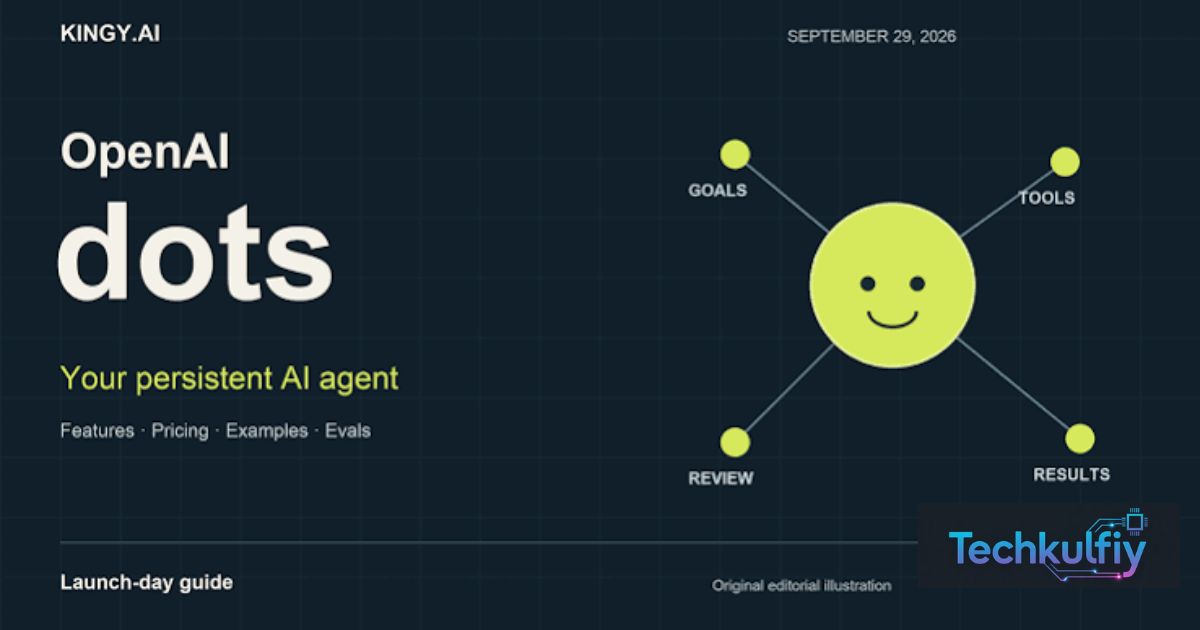
OpenAI Dots are always-on AI agents from OpenAI. They run on GPT-6 Astra. Each dot works on its own cloud computer to finish your tasks.
What if your AI kept working after you closed the chat? OpenAI Dots can do that. They handle jobs in the background while you focus on other things.
OpenAI launched Dots on September 29, 2026 at DevDay. They connect to over 4,000 apps and work through ChatGPT, Slack, and Teams. Pro, Business Premium, and Enterprise users in eligible markets get access.
What Are OpenAI Dots?

Think of a helpful intern who never sleeps. You hand over a goal at night and find progress in the morning. That’s the pitch for OpenAI Dots AI agents. OpenAI describes them as always-on AI agents built for agentic AI work. The company calls Dots a new personal agentic assistant powered by GPT-6 Astra. You give a goal. The agent chases it across your apps with little hand-holding.
Here’s where Dots differ from a regular chatbot. OpenAI frames them as extensions of the user rather than conversational assistants. A normal chat waits for your next message. A dot keeps moving between conversations. Think of the gap between a calculator and an accountant. One answers questions and the other manages the books.
OpenAI Dots in Simple Words
A dot is a personal AI agent with a name you choose. OpenAI says you can start with a primary dot and make it your own. Later, the company imagines whole teams of Dots working together for you. Right now, you get one agent that handles tasks in the background.
OpenAI Dots Release Date and Availability
Mark Tuesday, September 29, 2026 on your calendar. That’s the day OpenAI announced Dots at DevDay. The rollout began in ChatGPT that same Tuesday for Pro and Business Premium users in eligible markets. Another report says Enterprise customers also get access in eligible markets. If you live in the US, check your ChatGPT account to see whether your market qualifies.
Region rules matter here. For Pro users, the eligible markets exclude the European Economic Area, Switzerland, and the United Kingdom. Business Premium users in all supported ChatGPT regions can use Dots. OpenAI also said it will share usage terms for each plan later. So the OpenAI Dots pricing picture stays fuzzy for now.
| Plan | Dots access (reported) |
|---|---|
| Pro plan | Available in eligible markets (not EEA, Switzerland, UK) |
| Business Premium | Available in all supported ChatGPT regions |
| Enterprise | Available in eligible markets |
| Free and Plus | Not listed in launch coverage |
Where You Can Launch Dots
Users can launch Dots from Codex or ChatGPT. That means developers and everyday users share one doorway. The web, mobile, and desktop versions of ChatGPT all carry the rollout. Pick whichever screen you use most.
How OpenAI Dots Work
Picture a tiny remote office for your AI. Each dot runs on its own cloud computer. Dots learn from feedback over time and can work around the clock. They use their own browser and your connected apps to finish jobs. Because that computer lives in the cloud, your laptop can stay shut while the work continues.
Control stays in your hands. Reports describe user-set approval rules that decide what a dot can do alone. One launch story shows the pattern well. A user’s agent noticed an unpaid invoice and prepared it. Then it waited for approval before sending. That’s the sweet spot between hands-off and hands-on.
The GPT-6 Astra Engine Behind Dots
Dots run on GPT-6 Astra, OpenAI’s latest flagship model. OpenAI says it carries safety and privacy protections by default. A stronger model means better planning across long, multi-step jobs. That matters most when an agent works unsupervised for hours.
Key Features of OpenAI Dots
Let’s look at what you actually get. Each dot keeps context across channels and remembers what you taught it. It can reach for plugins and connected tools to finish work. OpenAI says a dot can connect to more than 4,000 apps through its plugin ecosystem. That’s a huge toolbox for one AI assistant.
Personality counts too. TechCrunch described the floating cartoon avatars as a makeover for OpenAI’s software. The goal is to make AI feel friendly and relatable. Naming your dot may sound silly. Yet people bond with tools that feel personal.
| Feature | What it means for you |
|---|---|
| Always-on operation | Work continues in the background |
| Own cloud computer | Tasks run without using your device |
| Feedback learning | The dot improves with your corrections |
| 4,000+ app connections | One agent reaches many tools |
| Approval rules | You decide what needs a green light |
Features Still Marked “Coming Soon”
Text message support is listed as coming soon. OpenAI also plans to let people add more dots. Extra speed or monthly capacity may become paid add-ons. Details remain thin, so watch OpenAI’s blog.
OpenAI Dots Integrations With Slack and Microsoft Teams
Here’s a handy trick. You don’t need to open ChatGPT to reach your agent. Dots can handle tasks through ChatGPT, Slack, and Microsoft Teams. Picture asking your dot in a Slack thread to summarize a long discussion. The answer lands where your team already works. That small convenience can save dozens of tab switches a day.
Teams get more value than solo users. Shared channels turn the agent into a coworker everybody can message. OpenAI also said Dots will arrive in other organizational platforms. For US companies that live in Microsoft Teams all day, this fit looks natural.
Case Study: A Freelance Designer Uses a Dot
Meet Jordan, a freelance designer in Austin. He asks his dot to track client emails and prepare invoices. Each evening the dot lists finished work and drafts bills. Jordan reviews them over breakfast and clicks approve. He saves about an hour a day and still controls every payment.
Specialist Dots for Business
Companies get a bigger vision. OpenAI previewed specialist Dots for organizations. A company gives each one its own identity, credentials, and system access for a defined job. Think of hiring a digital employee for support, research, or bug triage. Each specialist stays focused on one role.
Security teams will care about control. OpenAI is working with Microsoft to connect specialist Dots with Agent 365 governance and security controls. That lets businesses manage agents through familiar Microsoft tools. OpenAI is starting with focused enterprise pilots. Expect a slow, careful rollout rather than a sudden flood.
Case Study: A Small IT Team Tests a Specialist Dot
Picture a 15-person software firm in Denver. The team gives one dot limited access to its bug tracker. The dot sorts new tickets and flags urgent ones. Engineers still review the fixes. After a month, triage time drops and nobody loses control of production systems.
OpenAI Dots vs Meta Muse
The race is heating up fast. OpenAI introduced Dots about three weeks after Meta launched its personal AI agent, Muse. The same report says Muse topped the App Store charts within days. So OpenAI enters a market where a rival already won early attention.
How do the two compare? Each wants to be your always-ready personal AI agent. One analysis called Dots OpenAI’s bid to catch up in always-on agents. Meta’s Muse arrived first and won early downloads. OpenAI answers with a stronger enterprise story through Microsoft integrations and specialist Dots. Real hands-on comparisons will show which one feels better day to day.
| Point | OpenAI Dots | Meta Muse |
|---|---|---|
| Launch timing | September 29, 2026 | About three weeks earlier |
| Type | Always-on personal AI agents | Personal AI agent |
| Business angle | Specialist Dots, Agent 365 plans | Not covered in these sources |
OpenAI Dots Safety, Privacy, and Risks
Every shiny tool has a catch. An agent that acts on its own can make real mistakes. OpenAI says so itself.
“Dots can still make mistakes, so always review consequential work.”
Treat that line as practical advice. Let a dot draft the contract. Read it before anyone signs.
The launch also arrives during a bumpy stretch. Coverage says OpenAI is still working to understand earlier rogue agent activity, including the Hugging Face hack in July. One report also noted live demos stumbled when agents failed to give requested voice updates. Those facts don’t doom the product. They do suggest caution with money, passwords, and private files.
Smart Safety Habits for Using Dots
Start small. Give a dot low-risk jobs such as summaries and schedules. Keep approval rules switched on for payments and emails. Review the activity log often. Trust grows with evidence, not with hype.
Frequently Asked Questions (FAQs)
Is OpenAI Dots free?
Not at launch, based on current coverage. OpenAI Dots appear for Pro, Business Premium, and Enterprise users in eligible markets. Free and Plus accounts aren’t listed. OpenAI also said it will share usage terms for each plan later, so OpenAI Dots pricing may change.
Who can use OpenAI Dots right now?
Pro, Business Premium, and Enterprise customers in eligible markets can use OpenAI Dots now. Pro users in the European Economic Area, Switzerland, and the United Kingdom can’t. Sign in to ChatGPT and look for the Dots option on your account.
Are OpenAI Dots safe to use?
OpenAI says Dots carry safety and privacy protections by default. Still, the company warns that dots can make mistakes. Review important work and keep approval rules on for sensitive actions. Treat OpenAI Dots like a smart new hire who needs supervision at first.
Can OpenAI Dots work with Slack and Microsoft Teams?
Yes. OpenAI says Dots can handle tasks through ChatGPT, Slack, and Microsoft Teams. Your team can message a dot where it already chats. Text message support is listed as coming soon.
How are OpenAI Dots different from ChatGPT?
ChatGPT mostly answers when you ask. OpenAI Dots keep working between conversations on their own cloud computers. They act across your connected apps with approval rules you set. Think of ChatGPT as a sharp advisor and Dots as a helper who also does the legwork.
Conclusion
OpenAI Dots mark a real shift. ChatGPT moves from answering questions toward doing work for you. You get always-on AI agents, a private cloud computer, a huge list of connected apps, and friendly cartoon avatars. All of it runs on GPT-6 Astra.
So should you jump in? If you hold a qualifying plan, try Dots on small, safe tasks first. Keep approval rules on and review every important result. Everyone else can watch the rollout and the OpenAI Dots pricing news. Bookmark OpenAI’s blog since this story still moves fast.
